The challenge
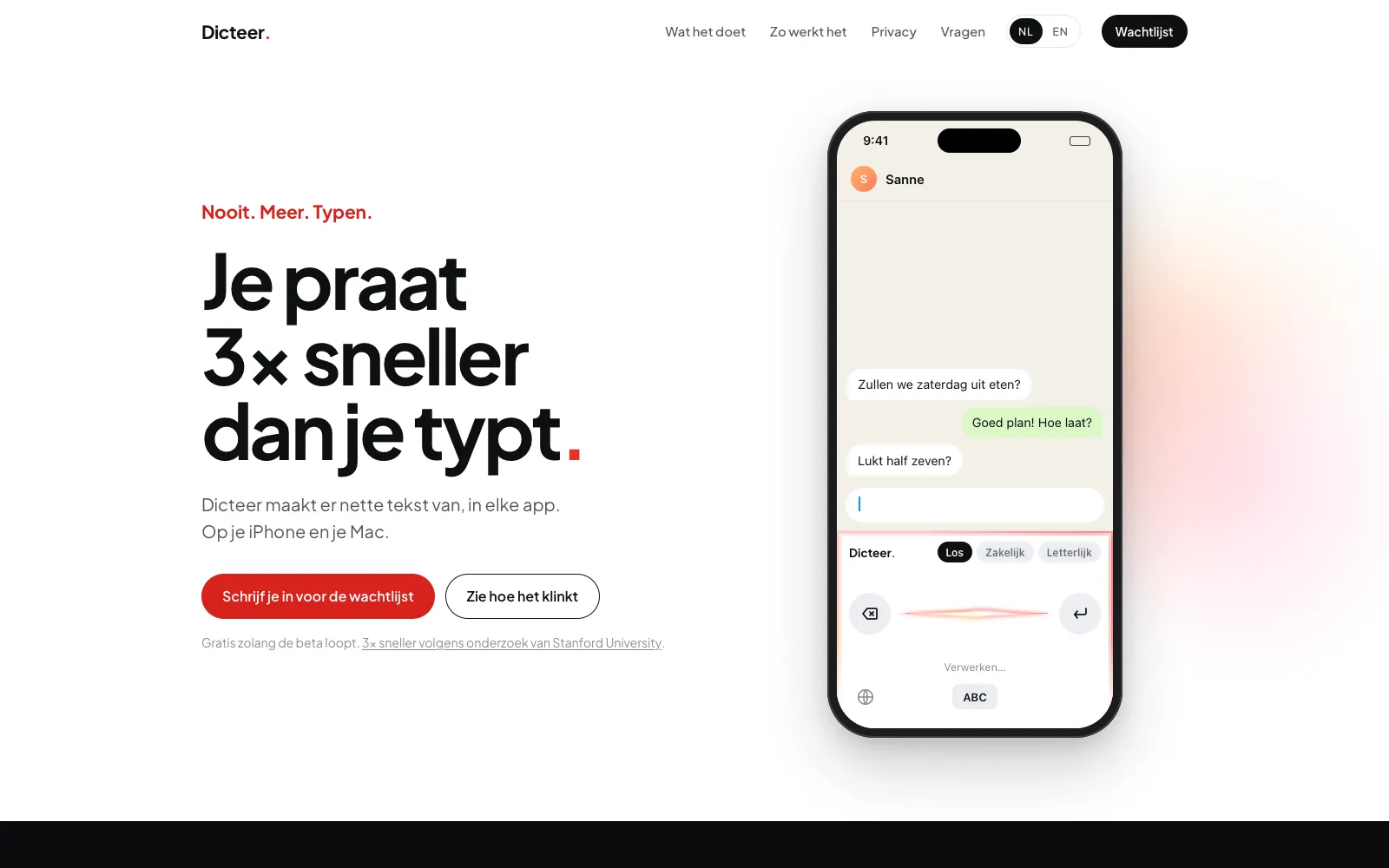
Dicteer is our own product. We build things like this for clients, and for ourselves too. The goal: talk and get text you don't have to fix. With punctuation, without the ums, and with names spelled right.
Keyboard for iPhone
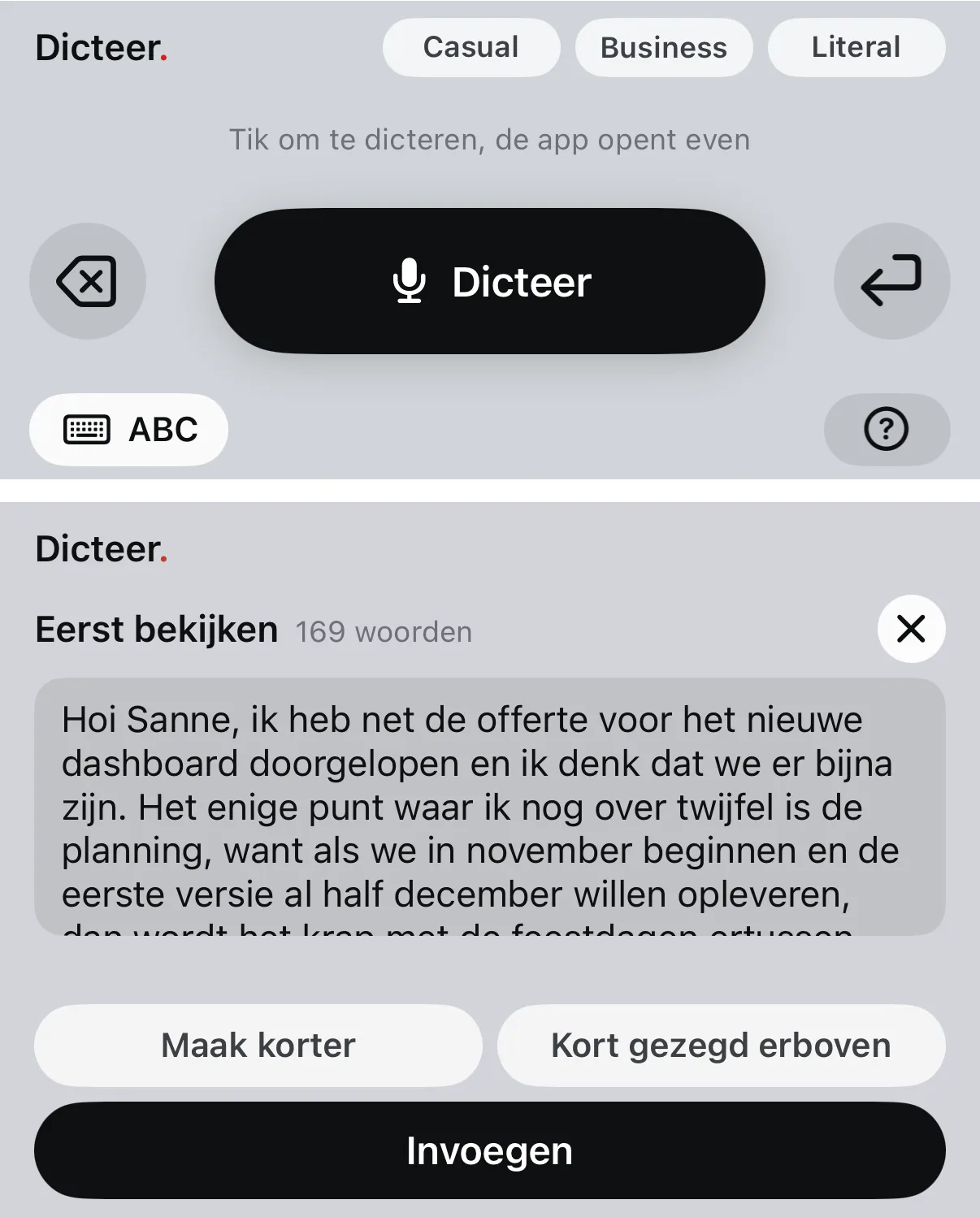
You tap the microphone and talk. Dicteer adds punctuation, removes filler words, spells names right using your own word list, and handles Dutch and English mixed together. Long dictations appear as a preview first. You can shorten them or add a brief summary at the top.
App for Mac
Dicteer also lives in your Mac menu bar, with the same styles: business in Mail, casual in WhatsApp.
Server and waitlist
Beta testers only need an invite code, no API key of their own. The waitlist stores sign-ups in its own database.
Website
dicteer.com in Dutch and English: what it does, how it works, privacy and the waitlist.
What was hard
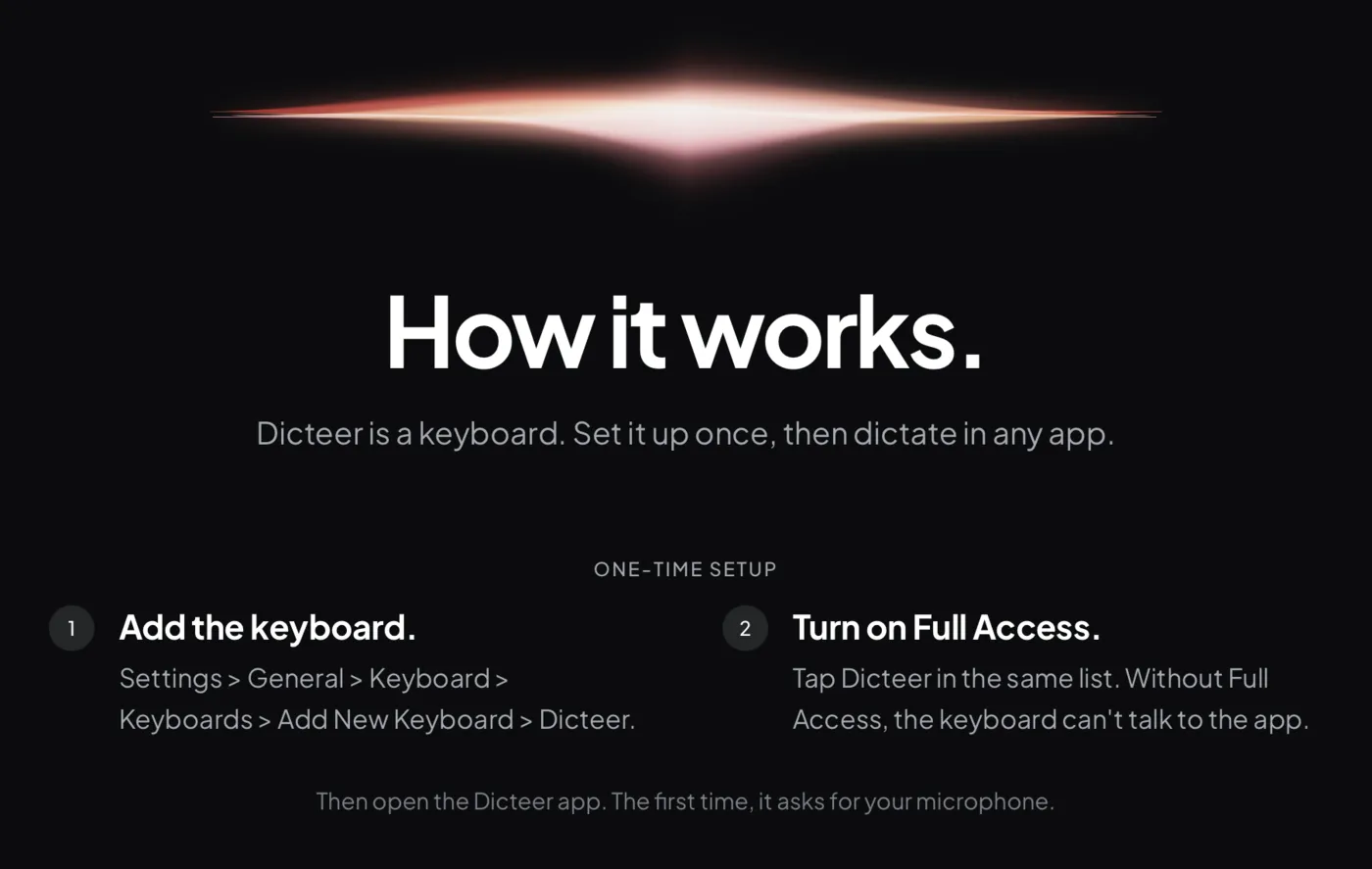
Apple doesn't let a keyboard use the microphone itself. So the Dicteer app opens for a moment to turn the microphone on. Privacy also meant making choices: OpenAI processes your speech by default, Mistral keeps processing in the EU, and on iPhone it can also run offline.
Result
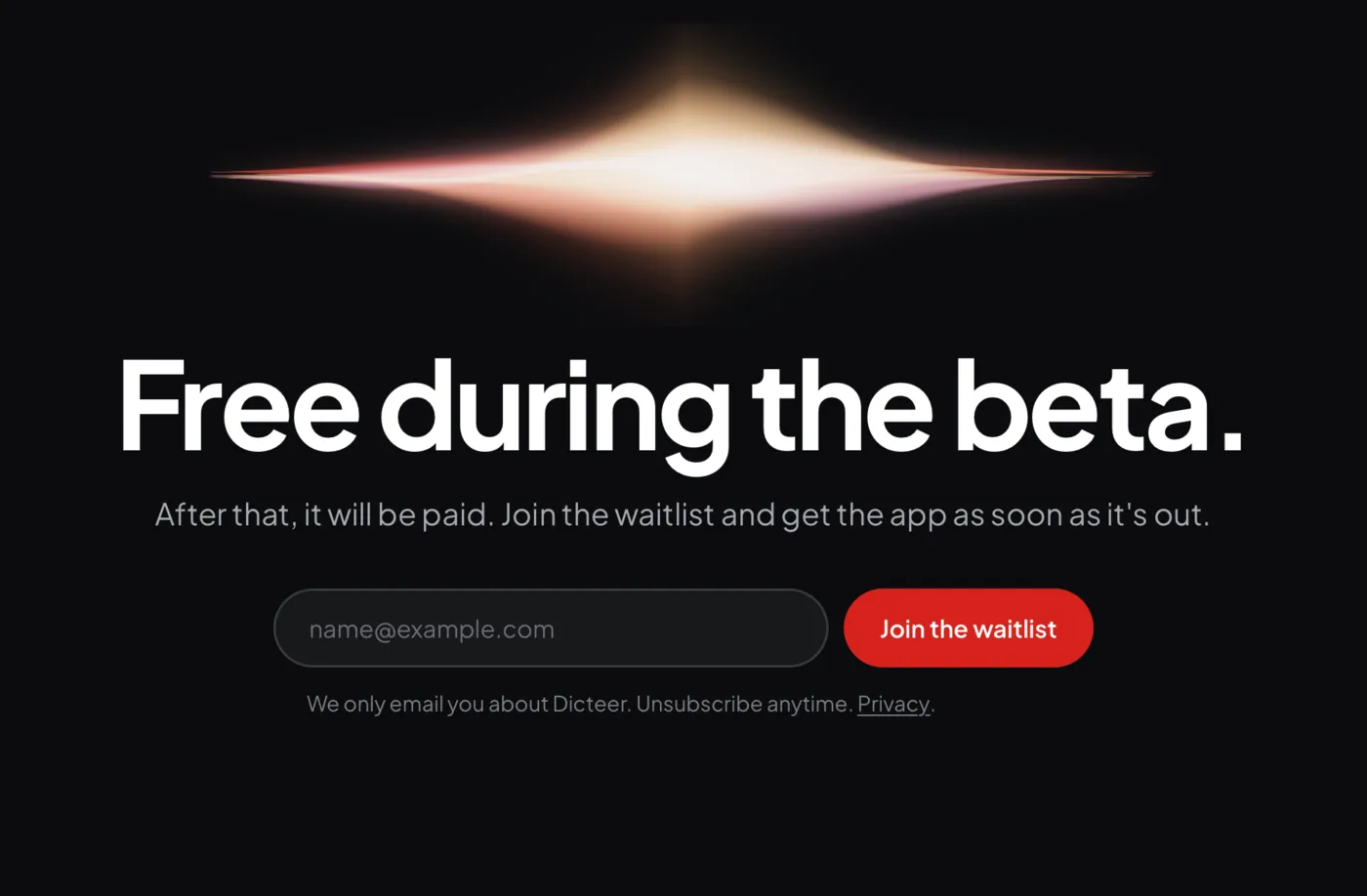
We started building on October 13, 2026, and the waitlist went live on October 14. We built it with help from AI agents. The beta is free, and the first testers are invited in small groups.
Curious what this could deliver for your business?
30 minutes, no sales pitch. We look together at where you are now.